Choose the expiry.
Pick 1 hour, 24 hours or 7 days. An unused link becomes unavailable when its expiry is reached.
Sanctum Vault / One-time secret sharing
Send a password or access code through a link that can be revealed once. Choose an expiry and add a passphrase when you need one.
Live tool · open in your browser
The actual experience
See the actual share-and-reveal journey using fictional data. All steps work without watching the optional walkthrough.
Paste the value, choose an expiry and create a one-time link. Send that link through a channel you trust.
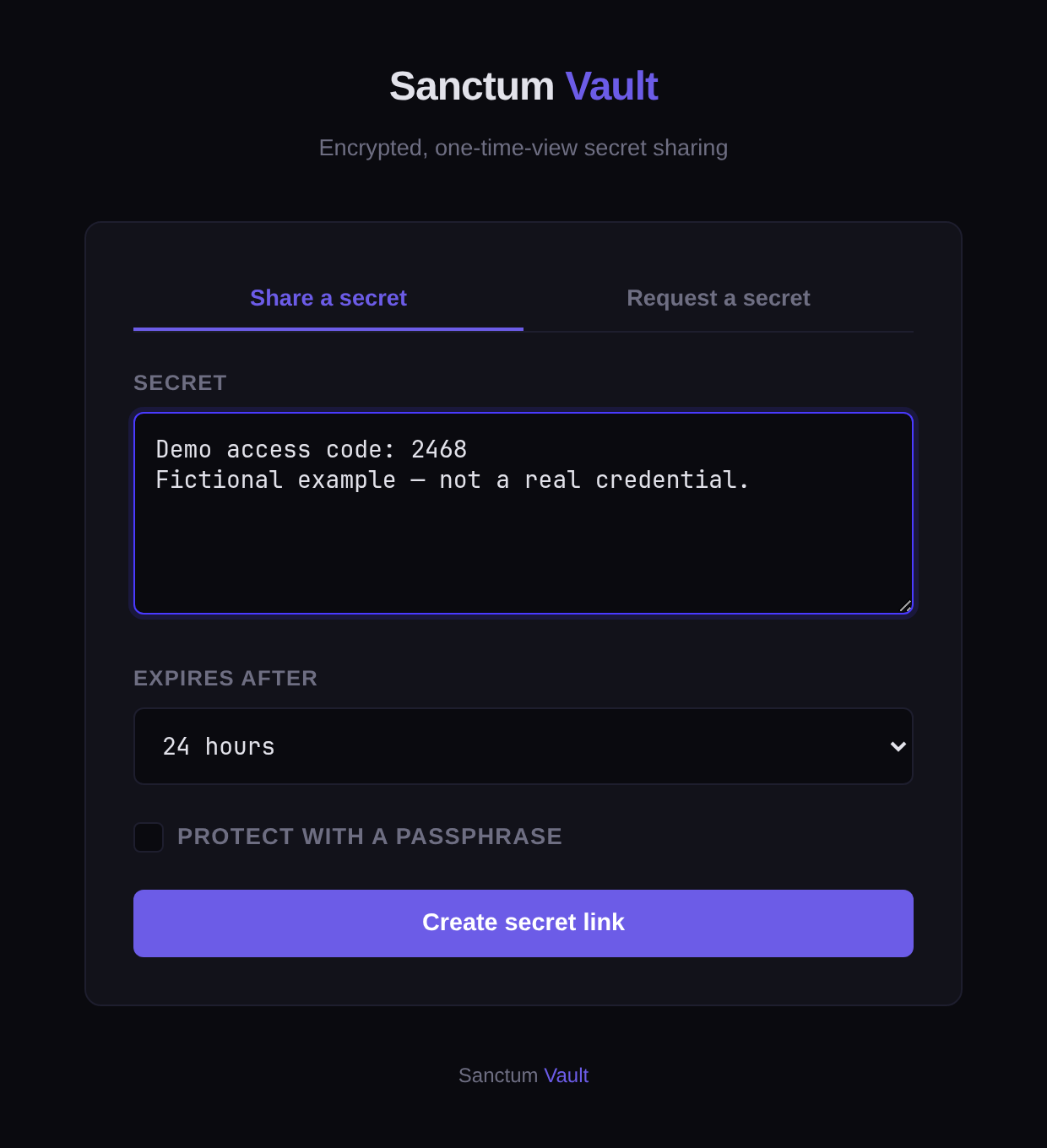
The recipient opens the link and deliberately chooses Reveal Secret. A passphrase is required if one was set.
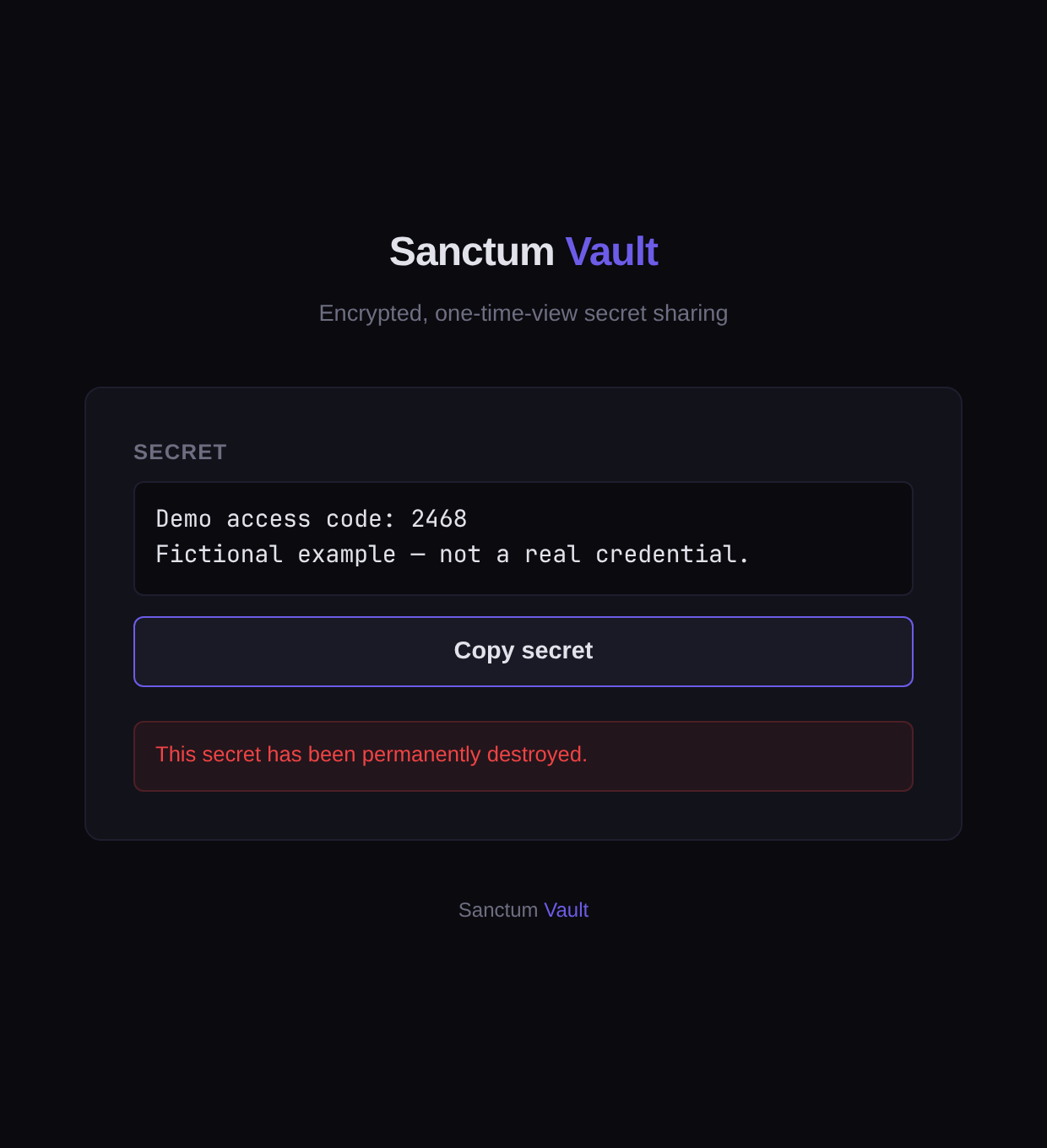
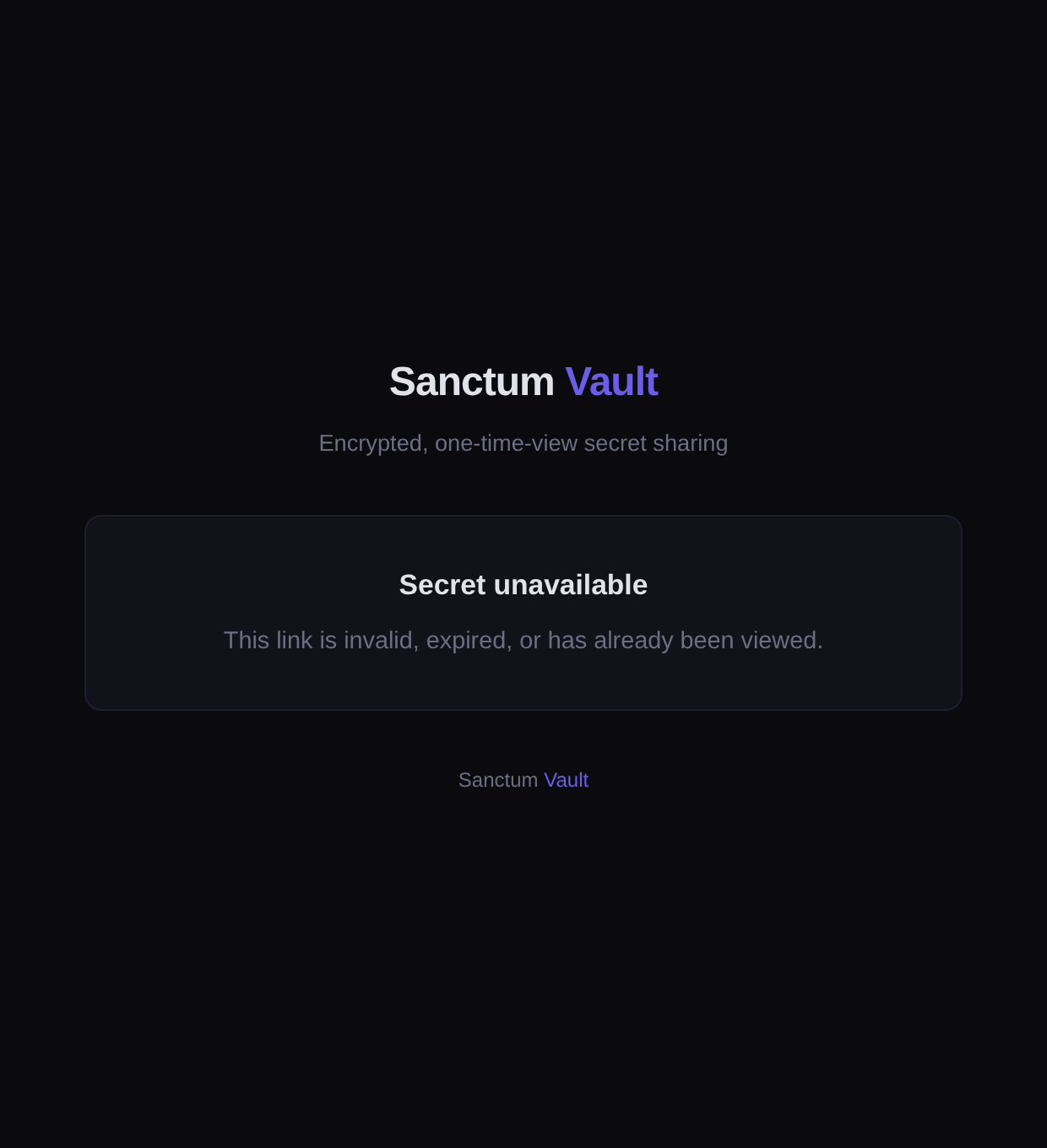
On a second visit, the same link is unavailable. One-time access does not stop someone copying or saving a value after seeing it.
How it fits your work
Pick 1 hour, 24 hours or 7 days. An unused link becomes unavailable when its expiry is reached.
If you set a passphrase, the recipient must enter it before the value is revealed. Share it separately from the link.
Before we start
The public share/request interface opens without sign-in. Anyone holding a valid share link can attempt a reveal; a passphrase-protected link also needs the passphrase.
Stored secret content is encrypted on the server using AES-256-GCM. The service decrypts it to deliver the value; this is not an end-to-end or zero-knowledge claim. Protect links and use the optional passphrase where appropriate.
Yes. One-time describes retrieval from Vault. It cannot prevent copying, saving or photographing a value after it has been revealed.
Vault is designed for a time-limited handover, rather than a long-term credential catalogue. Team deployment, notification delivery and integration requirements should be agreed separately.
Start with a real use case
Open the tool to share or request a secret. Talk to us if your team needs a deployment or integration plan.